Architecture
ProxiPort is a three-tier system: an agent running on each managed host, a server running somewhere the agent can reach, and a web UI served by the server for human admins. There is no required cloud component and no required third-party service.
+---------+      WebSocket (SSH inside)       +-----------+
| agent   |       (port 80 by default)        | server    |
+---------+   <----------------------------   |           |
              chisel control channel          |           |
                                              |           |
+---------+      HTTPS                        |           |
| admin   |       (typically 443)             |  REST API |
| browser |   <----------------------------   |  + SPA    |
+---------+      SvelteKit SPA + REST         +-----------+
                                                    |
                                                    | SQLite or
                                                    | MySQL
                                                    v
                                              +-----------+
                                              | datastore |
                                              +-----------+
proxiportd terminates TLS on the API listener — point it at a
cert_file + key_file pair, or turn on the built-in ACME client for
automatic Let's Encrypt certificates. The agent listener is plain
WebSocket carrying an SSH session with its own encryption and a host
key the agent checks against its configured fingerprint; put a
reverse proxy (nginx, Caddy, Traefik) in front of it if
you want TLS on that port as well. See HTTPS for the full
deployment matrix.
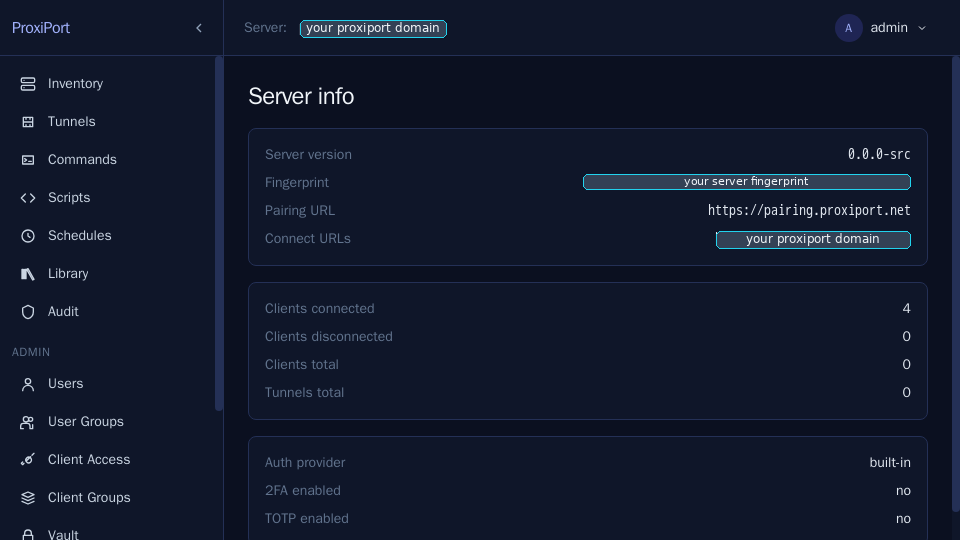
Server
A single Go binary, proxiportd. Responsibilities:
- terminate the chisel control channel from agents on
[server] address(0.0.0.0:80in the seeded config; SSH-over-WS carries its own encryption so no TLS at this layer) - serve the REST API and the SvelteKit SPA on
[api] address(127.0.0.1:3000in the seeded config; production setups switch this to one of the three TLS profiles in HTTPS) - persist clients, users, tunnels, scripts, commands, schedules, and audit records to SQLite (default) or MySQL
- enforce auth (SSH password authentication for agents inside the tunnel-port WebSocket; JWT for the API; optional TOTP second factor)
- multiplex tunnel sessions per connected agent
The server is the only piece that holds state. Agents are otherwise stateless beyond their own configuration.
Agent
A single Go binary, proxiport (the agent). Responsibilities:
- open and maintain a chisel WebSocket control channel to the server
- present an identity (client ID + auth credentials) to the server
- accept tunnel requests from the server and open the corresponding local TCP listeners or forward to remote local services
- execute commands and scripts dispatched by the server (when enabled in the agent config) and stream their output back
Agents do not require an inbound port. Beyond the connection to their
server they make only a small number of outbound calls, all of which are
off by default or can be disabled: the optional external-IP lookup
(ip_api_url, see
IP-address determination) and the
periodic package-manager refresh (updates_interval). If the agent's
egress must be constrained or routed over Tor or a VPN, see
Anonymous transport, which lists every path
that stays outside it.
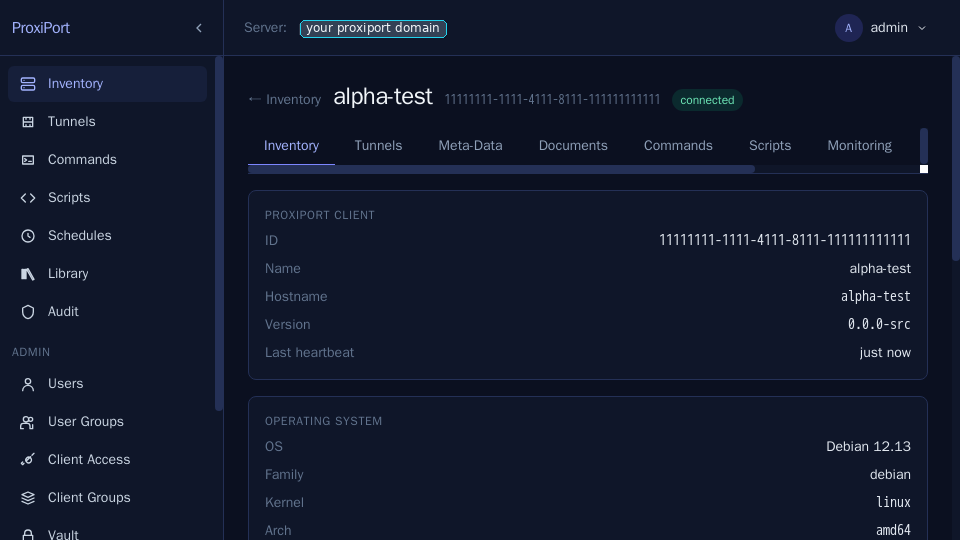
![Monitoring tab — CPU and memory series sampled from the agent and
held in monitoring.db. Defaults to short retention; tune with
[monitoring] in proxiportd.conf.](../screenshots/03-monitoring-cpu-mem.png)
Tunnel transport
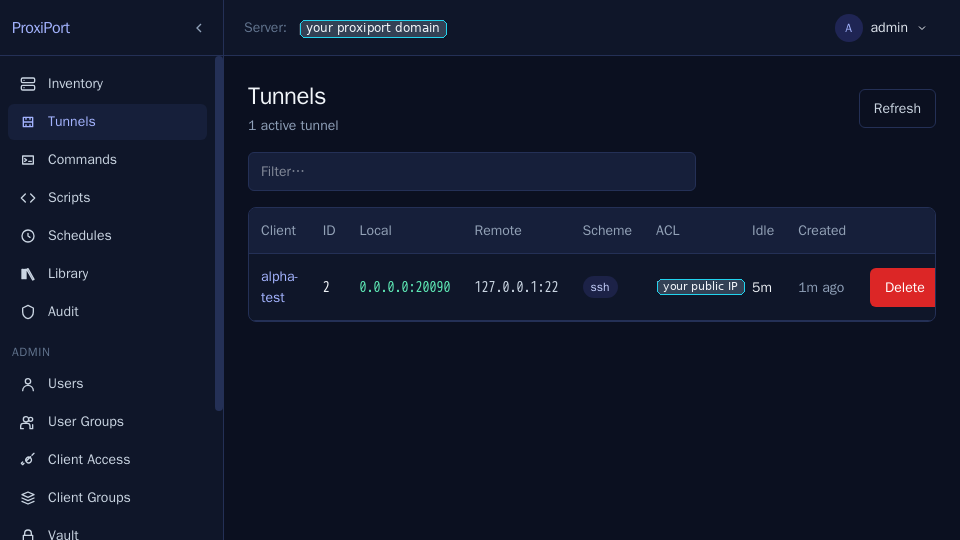
ProxiPort uses the chisel SSH-over-WebSocket transport, inherited from the upstream fork. Each chisel session is one TLS-or-not-TLS WebSocket carrying SSH framing, inside which tunnel sub-channels are multiplexed.
For production deployments, serve the API over TLS: supply cert_file
+ key_file (or enable_acme) under [api]. The agent listener has no
TLS settings of its own — the SSH session inside the WebSocket is
encrypted end to end and the agent checks the server's host key against
its configured fingerprint — so it can stay plain, or sit behind the same nginx, Caddy, or Traefik
front-end as the API if you want one TLS surface; both shapes are
described in HTTPS.
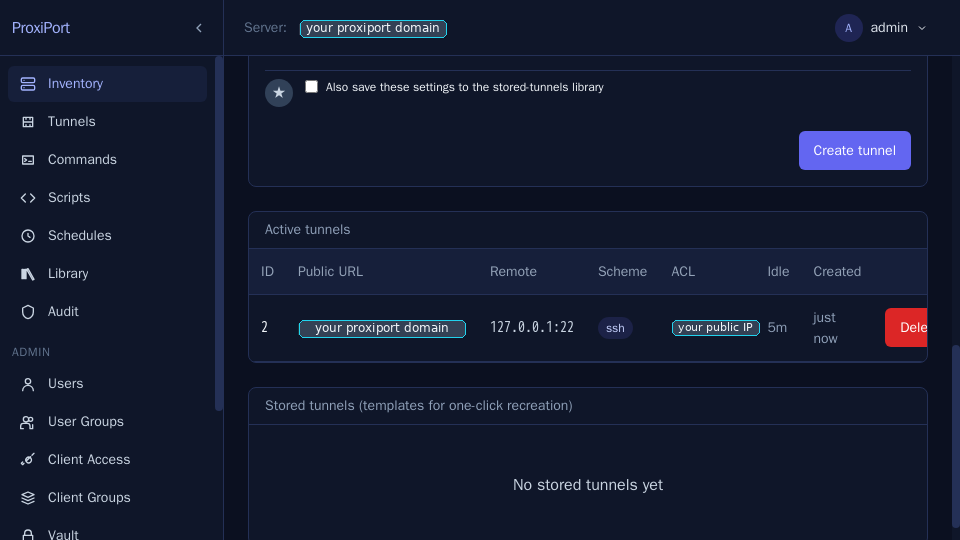
![Tunnel create form — pick the remote target on the agent, the
public scheme, and the ACL gate. The server allocates the public
port from [server] used_ports unless you pin
one.](../screenshots/04-tunnel-create-form.png)
What an agent connection is allowed to do
The agent transport is an SSH connection in which the agent is the
client and proxiportd is the server, so an agent can open SSH
channels on it. Since 0.8.7 the server accepts exactly three channel
types and rejects everything else with SSH_OPEN_UNKNOWN_CHANNEL_TYPE:
| Channel | Purpose |
|---|---|
session |
fetch one staged file, over SFTP, during a file push |
stdout / stderr |
stream a running command's output back |
Two consequences are worth stating plainly, because earlier versions did not hold them:
- The server never dials on an agent's behalf. Any other channel type used to be handed to the inherited chisel TCP-stream handler, which connected to the address in the channel's open request and piped bytes to it. Tunnel traffic does not use this path — tunnels are listeners the server opens and the agent connects back to.
- The SFTP endpoint serves one file, to one agent, for the duration of one push. It is not a filesystem: the server records the staged path when it asks a specific agent to collect it, and refuses every other path, directory listings included. Writes, renames and deletes are refused outright.
If you have built something that relied on opening another channel type over the agent connection, it will now be rejected and logged. Nothing shipped with ProxiPort does.
Datastore
SQLite is the default and is the right choice for small to medium
deployments (single server, up to a few hundred connected agents). For
larger deployments or for HA setups, MySQL is supported via the existing
upstream db.MySQL driver path.
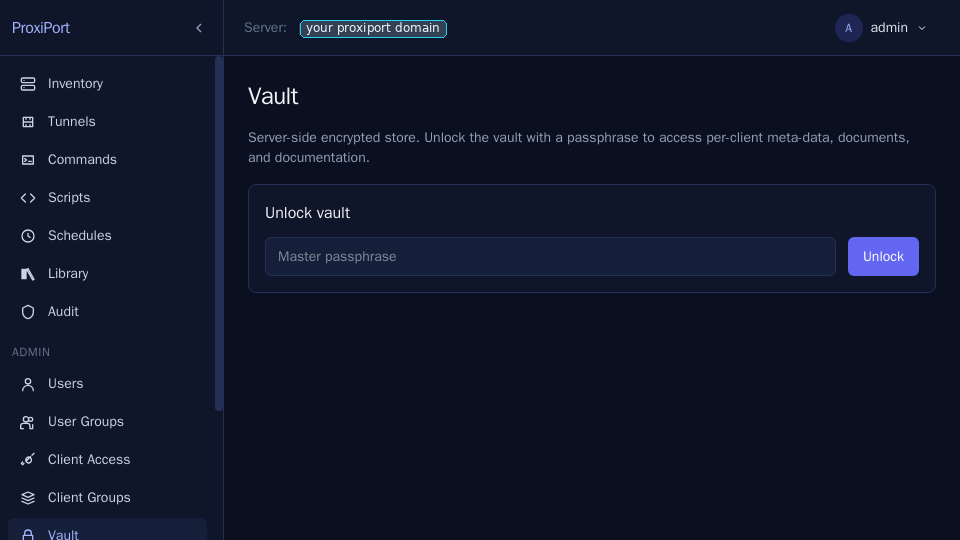
The vault — an encrypted KV store for documents and per-client secrets — uses a separate SQLite file with passphrase-derived encryption. The passphrase is supplied at vault unlock time and is not persisted server-side.
An optional [key_provider] adds at-rest field encryption for the
recoverable secrets the server must read back on its own: the vault's
stored values and verifier, the totp_secret of database-backed API
users, and — in proxiportd.conf itself — key_seed, jwt_secret,
and the stored credentials. A data-encryption key (DEK) held only in
RAM (loaded from a file or env var; default: none) wraps them so they
are enc:v1:… ciphertext on disk; reads fail closed if the DEK is
absent or wrong, and the server refuses to start rather than run
without a secret it cannot decrypt. This is a second layer independent
of the vault passphrase, aimed at a stolen disk, snapshot, or config
file. See
encrypting the config secrets.
Frontend
The web UI is a SvelteKit single-page app served as static assets from
the server's doc_root. It talks to the same REST API the agents'
control plane uses. There is no separate Node runtime in production.
Authentication
Three layers:
- SSH password authentication on the chisel agent port. The agent
opens the WebSocket, checks the server's host key against its
configured
fingerprint, then presents its credential as the SSH password before the control channel comes up. Credentials are[server] auth = "<client-auth-id>:<password>"(or anauth_file/auth_tableif you prefer). - JWT bearer on the REST API. Login is HTTP-Basic to
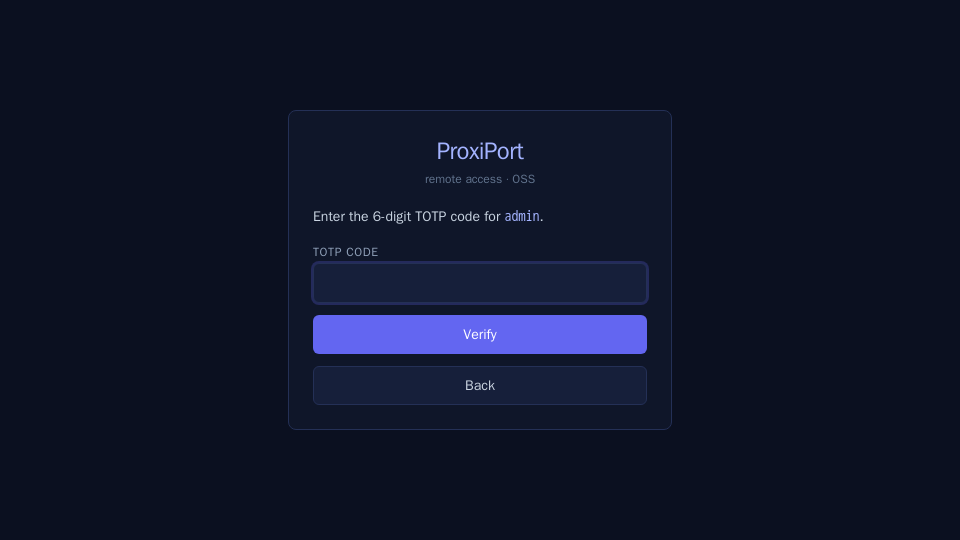
/login, which returns a short-lived JWT (default 10 minutes, configurable via?token-lifetime=). The SPA requests a 24-hour lifetime by default. - TOTP second factor is optional; when enabled,
/loginreturns a short-lived intermediate token, and the SPA POSTs the TOTP code to/verify-2fato obtain the final JWT.
All authentication endpoints feed a per-username ban list with a
2-second penalty for failed attempts, which is what produces the
429 too many requests response under brute force or session-expiry
cascades.